At The Beginning
To start the development, I have done things below to boost up my develop speed
-
Install uFrame MVVM
If anyone who used uFrame game framework before, he must know it’s a great tool for fast prototyping, few months before it’s open source, but unfortunally no one take care of this and it became kind of dead project. After walking thought uFrame’s source code, I decide to maintain this project by myself, and now I finish porting MVVM framework into the new uFrame Core (which author haven’t done when he opensource the project). I organize the project and setup a document site with some quick guide, if you are interested in this tools, please refer to uFrame Document Site
-
Import art assets
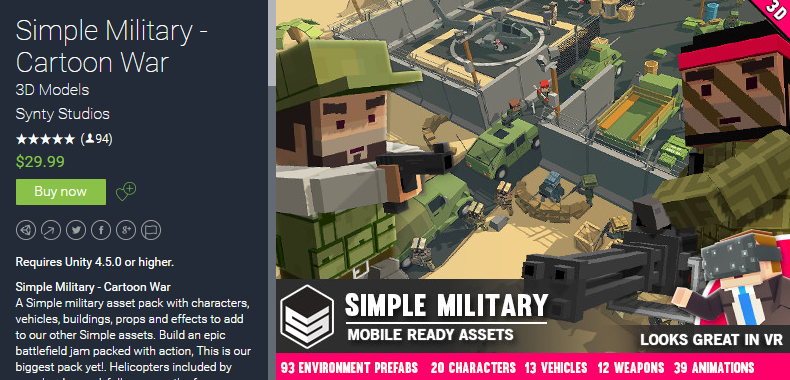
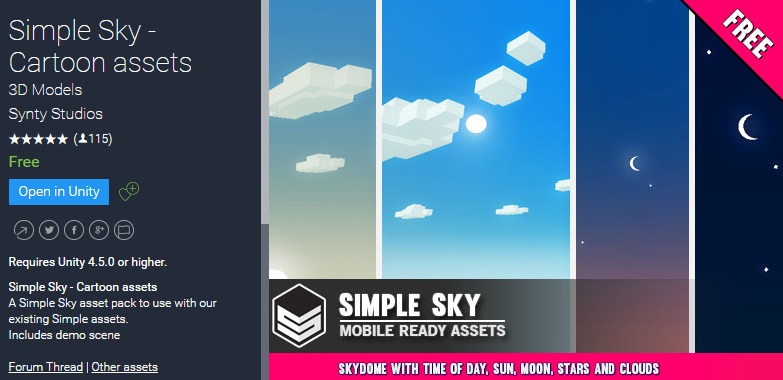
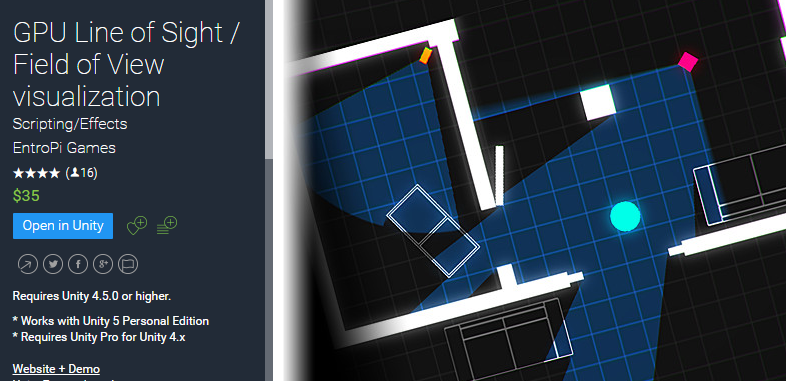
I am not an artist, so I decided to buy some good art assets and use for my project, those I use this time are (Maybe I will add more in the future, but they are the necessary part at the moment)
GPU Line of Sight / Field of View As an important tech art
-
Workout the base game structure / Organize the game
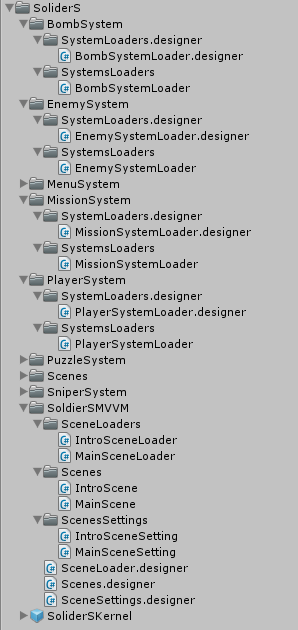
I use uFrame MVVM to organize my game as below, as the GDD, there should be 6 subsystems in my game, and there should be two scenes at the beginning.
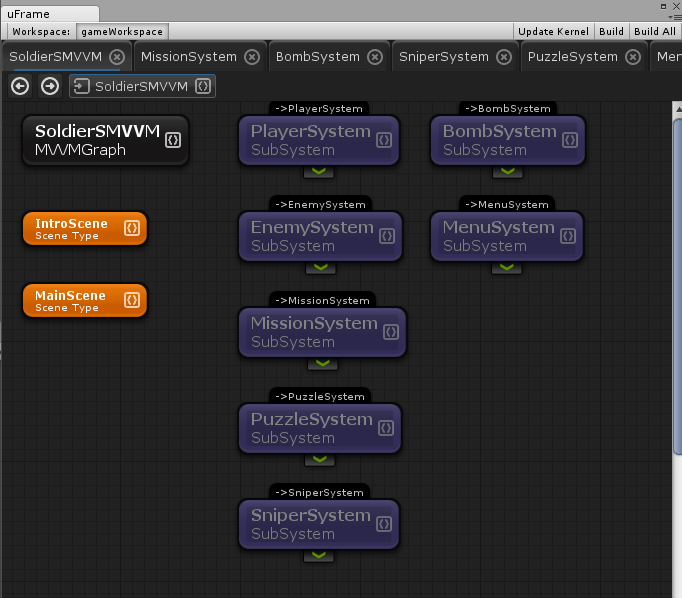
Also, uFrame already help me to generate some basic codes now
End of Today
If you think all of these takes me a lot time, you are wrong, I finish them just in half hour !!
Thanks to Unity Asset Store, it saves me a lot of time and gives me chance to build my game with good arts.
Thanks to uFrame, I can have a clear frame view of my game, and it boost up my coding speed with good code. generation.
Next, I will start to build PlayerSystem, which is about player’s action, status, etc.. Thanks your reading please keep tracking my blog to see the progress of my new game : SoliderS